
Electric vs Fixed Standing Desks
A lot of desk pain starts with a simple mistake: you pick one height, promise yourself you will move more, and then your day takes over. By midweek, your shoulders creep up, your lower back stiffens, and your screen is still a little too low. That is why the electric vs fixed standing desks decision matters for Home Office Ergonomics. When adjustment feels slow or annoying, people usually stop doing it.
This guide compares how each desk type affects comfort, posture, and real daily behavior. First, we will look at why static positions create strain. Then we will compare movement frequency, posture support, and back-pain relief. Along the way, you will see where Ergonomic Standing Desks, Sit-Stand Workstations, Cable Management Systems, Sustainable Materials, and Modular Office Furniture fit into a smarter setup.
Electric vs Fixed Standing Desks for Movement Frequency
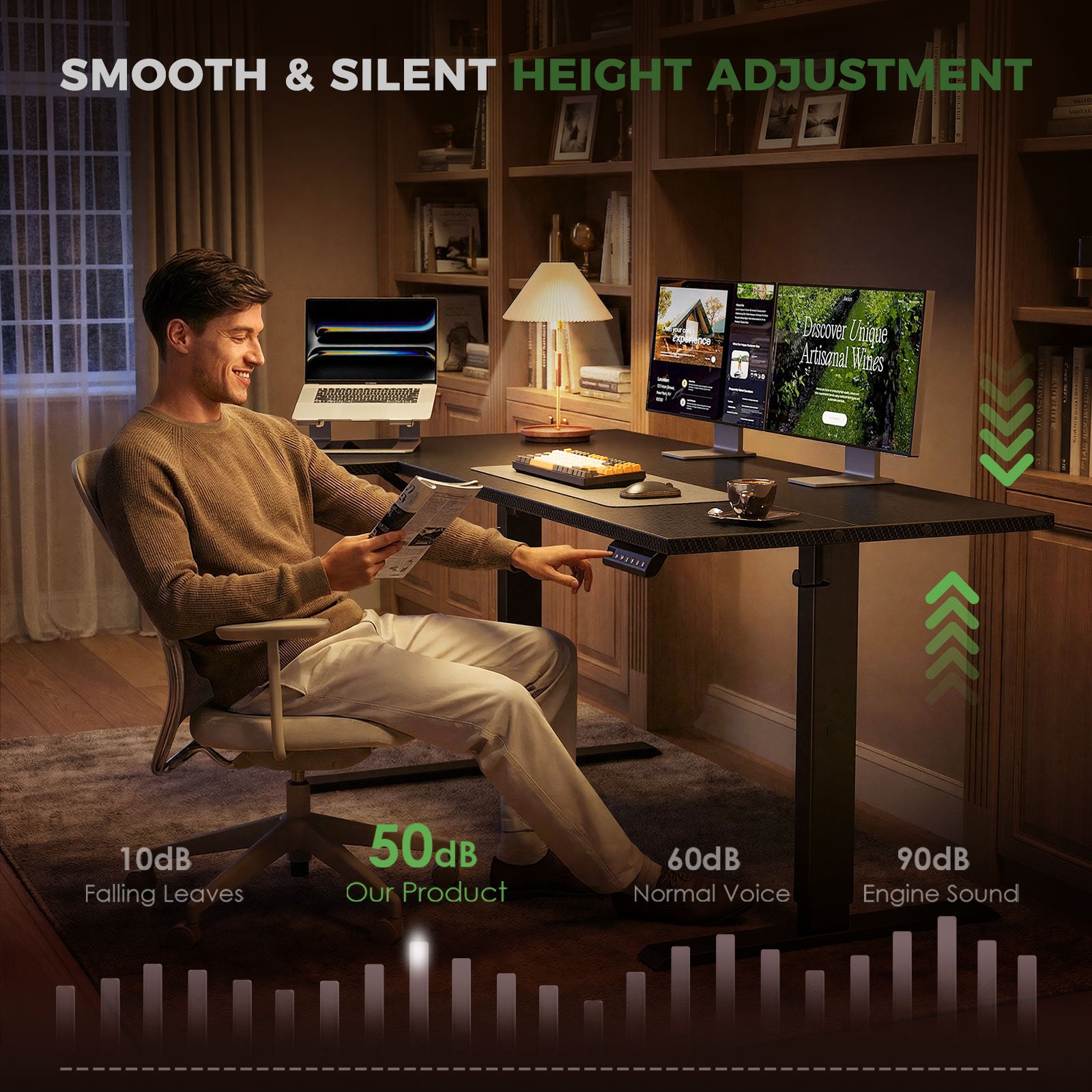
Electric standing desks usually win because they make the healthy choice easier in the middle of real work. If you can raise or lower the desk with a button, you are more likely to switch during calls, editing, or admin tasks. A fixed desk can still work, but only if your routine already matches that single height.
What to check
- How often you actually change position
- Whether adjustment interrupts your workflow
- Whether more than one person uses the desk
- Whether your task changes across the day
Best fit
- Electric desk: changing tasks, long sessions, shared setups
- Fixed standing desk: short standing blocks, one user, one workflow
Electric vs Fixed Standing Desks for Posture Support
Posture support is really a fit problem. Your elbows should rest near 90 degrees, your wrists should stay relaxed, and the top of your screen should sit near eye level. Electric Standing Desks help because they adjust to your body instead of forcing your body to compromise.
Why it matters
- A desk that is too high can lift shoulders
- A desk that is too low can round the upper back
- Fixed heights often miss ideal elbow level
- Better screen position helps neck alignment
For shared homes, this matters even more. One desk may need to suit different heights, chairs, and tasks. That is where Hyper-personalization becomes practical, not trendy: small height changes support very different users.
Electric vs Fixed Standing Desks for Back Pain Relief
For most people, back relief comes from variation, not constant standing. Electric vs fixed standing desks becomes a behavior question again: which one makes it easier for you to alternate before discomfort builds? Electric models usually support more frequent resets, so they tend to help more with back tension over long weeks.
Common mistake
- Standing motionless for hours
- Locking knees while working
- Keeping the monitor too low
- Ignoring footwear and floor support
What this means
- Lower back discomfort often improves with position changes
- All-day standing can still irritate the back
- A footrest or anti-fatigue mat can help
- Short, regular switches beat occasional long standing blocks
Why Electric Desks Usually Win
Electric desks are not better because motors are exciting. They are better because convenience changes compliance. If the desk moves quickly and quietly, you are more likely to use it as intended. That is the main advantage for Sit-Stand Workstations in real homes.
Key signals
- One-touch controls or memory presets
- Enough height range for your body
- Stable frame at standing height
- Surface space that supports neutral reach
OffiGo focuses on Ergonomic Standing Desks built around home use, not just raw specs. Its integrated approach matters because posture is shaped by the whole surface: monitor placement, storage, charging access, and cable routing all affect how often you shift, reach, and reset your position.
Where Fixed Standing Desks Still Fit
Fixed standing desks still make sense in narrow situations. If you use a high stool, work in short sessions, and already know your exact standing height, a fixed setup can stay simple and stable. The trade-off is flexibility. Once your task, chair, or user changes, the limits show up fast.
Best fit
- One person, one exact height
- Short standing-focused tasks
- Budget-first setups
- Low need for reconfiguration
Watch-outs
- Harder to share
- Harder to fine-tune posture
- Less adaptable across the day
- More likely to lock in bad habits
OffiGo Product Alignment
Ergonomic Standing Desks
OffiGo's 48" Electric Standing Desk with 3 Wooden Drawers, Monitor Shelf & USB Power Outlets shows why electric desks often support better posture in practice. It adjusts from 29.9" to 46.1", includes 3 memory presets, a monitor shelf, a hidden cable tray, built-in power access, and a 154 lb capacity. That mix helps you keep screens higher, reduce clutter, and switch heights without rebuilding the desk each time.
- 47.2" x 21.3" top for compact rooms
- Monitor shelf supports eye-level viewing
- 3 wooden drawers reduce surface clutter
- Hidden tray supports cleaner Cable Management Systems
Shop: OffiGo 48" Electric Standing Desk with 3 Wooden Drawers, Monitor Shelf & USB Power Outlets
Sit-Stand Workstations
The 63" L-Shaped Electric Standing Desk with Fabric Drawers & Built-in Power Outlets suits users who need space for two zones, such as laptop plus monitor, or admin plus creative work. It has a 29.9" to 46.1" height range, four fabric drawers, a reversible side table, a rear cable tray, and built-in AC, USB, and Type-C power. For longer sessions, that larger layout can reduce crowding and awkward reach.
- Main top: 47" x 21.2"
- Side table: 31.5" x 15.8"
- Reversible layout for room fit
- Built-in power simplifies daily charging
Shop: OffiGo 63" L-Shaped Electric Standing Desk with Fabric Drawers & Built-in Power Outlets
Cable Management Systems and Modular Office Furniture
The 55" U-Shaped Electric Standing Desk adds another layer to Home Office Ergonomics by reducing reach clutter. It offers a 28.3" to 46.5" height range, a keyboard tray, monitor stand, built-in outlets and USB, LED lighting, and a wraparound surface with 15% more usable workspace on the product page. This is where Modular Office Furniture thinking helps: the desk becomes the platform for storage, charging, and organization.
- 55.1" wide desktop
- 21.9" x 11.8" keyboard tray
- 3 AC outlets and 2 USB ports
- Wraparound layout supports multitasking
Shop: OffiGo 55" U-Shaped Electric Standing Desk with Monitor Stand & Keyboard Tray
How to Choose an Electric vs Fixed Standing Desk
Choose based on behavior first, then specs. The best desk is the one you will keep adjusting, not the one with the nicest feature list. For buyers used to Direct-to-Consumer Retail, that means filtering for daily fit instead of chasing only motor claims or style.
| Factor | Electric | Fixed |
|---|---|---|
| Movement frequency | High | Low to medium |
| Shared use | Excellent | Poor |
| Posture tuning | Precise | Limited |
| Space flexibility | Strong | Narrow |
| Controls | Presets possible | None |
| Surface support | Varies | Varies |
| Cable routing | Often integrated | Often basic |
What to check
- Height range that matches your body
- Stability at full standing height
- Desktop depth for monitor distance
- Cable routing that avoids awkward stretches
- Sustainable Materials if lifecycle impact matters
Conclusion
For most people, electric standing desks ease back pain and improve posture better than fixed desks because they make movement easier to repeat. That behavior edge matters more than the label on the product. Fixed desks can still work for single-height, short-session routines, but they fit fewer real-life workflows.
If your goal is better Home Office Ergonomics, look for a desk that encourages regular change, supports neutral reach, and keeps the surface calm enough to use well every day. OffiGo's platform-style approach combines Ergonomic Standing Desks, Cable Management Systems, and workspace-friendly layouts so the healthier choice is also the easier one.
Contact OffiGo Support | Shipping, Orders & Product Questions
FAQ
What standing desk mistakes commonly worsen back pain?
The most common mistakes are poor screen height, locked knees, and staying in one position too long. A desk that sits too high can make your shoulders tense, while a desk that sits too low can round your back and neck. Many people also forget that standing still is not the goal. The goal is controlled movement and better alignment. Small switches every 30 minutes usually help more than one long standing block.
How often should users switch positions on a standing desk for health?
A practical starting point is about every 30 minutes. Some people do well with 20 to 30 minutes sitting and 15 to 20 minutes standing, then repeat. The best rhythm depends on your task, footwear, and how tired your legs or back feel. What matters most is consistency, not trying to stand as long as possible. If you start feeling stiff, you probably waited too long to switch.
Is an adjustable standing desk better than a fixed desk for posture?
Usually yes, because an adjustable desk lets you match your elbow and screen height more closely. That makes it easier to keep shoulders relaxed and wrists neutral. A fixed desk can work well only if it already matches your body and task setup. Even then, it is less flexible if your chair, shoes, or monitor setup changes. Adjustable desks simply give you more room to correct posture instead of adapting to poor fit.
Which standing desk features matter most for reducing physical strain?
Height range, stability, controls, desktop depth, and cable routing matter most. Height range affects whether the desk can truly fit your sitting and standing posture. Stability matters because wobble makes people brace through the shoulders and arms. Easy controls, especially presets, increase movement frequency. Good depth and Cable Management Systems help keep screens and accessories within a neutral reach zone.
Can a sit-stand desk help reduce lower back discomfort?
Yes, it can help reduce lower back discomfort by breaking up long periods of uninterrupted sitting. The key is to alternate positions before stiffness builds, not after pain gets strong. A sit-stand desk also works better when your monitor is high enough and your keyboard is placed correctly. If you stand with locked knees or lean forward, the benefit drops quickly. Desk choice helps, but setup habits still decide most of the result.
Are electric standing desks better for back pain than fixed desks?
For most users, yes, because electric desks lower the effort needed to change posture. That means people actually use the sit-stand function more often during real workdays. Frequent changes reduce static muscle loading better than good intentions alone. Fixed desks can support comfort in narrow cases, especially for one user with a known height. Still, electric desks usually win because convenience turns healthy advice into repeatable behavior.